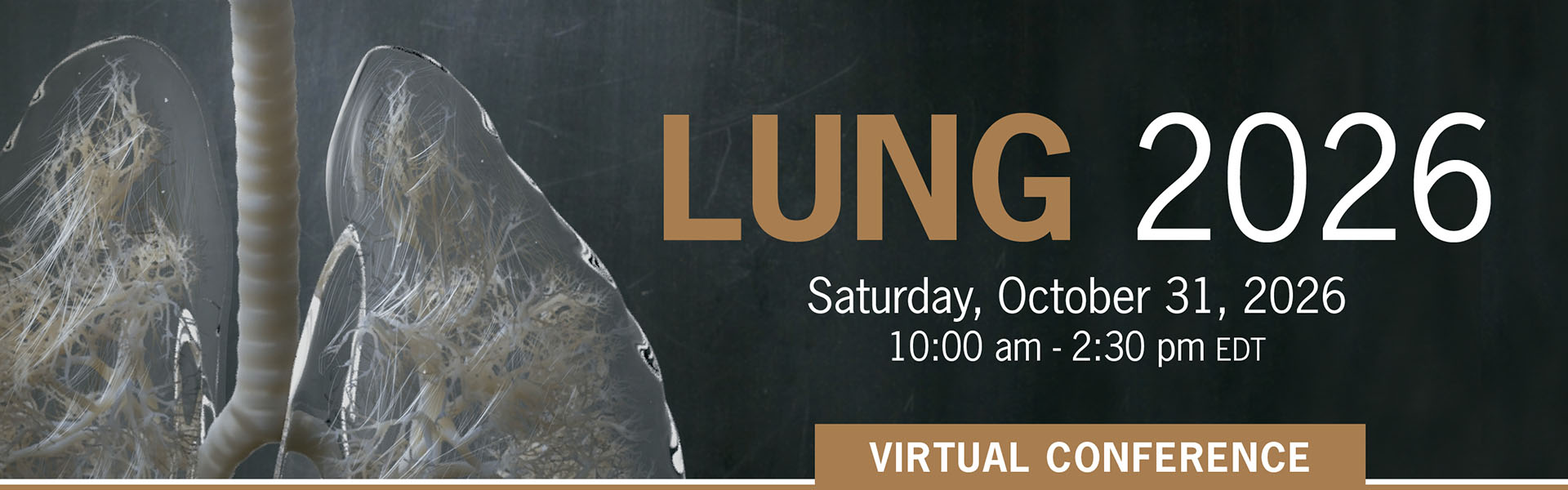
Lung 2026 - FREE REGISTRATION
| Date: | Saturday, October 31st, 2026 |
|---|---|
| Location: | Virtual Conference |
| Time: | 10:00am to 2:30pm EDT |
Thank you for your interest in the Lung 2026 Virtual conference taking place on Saturday, October 31th, 2026 from 10:00 a.m. to 2:30 p.m. EDT.
This activity
meets the certification criteria of the College of Family Physicians of Canada
and the Quebec College of Family Physicians, a continuing professional
development accrediting organization recognized by the Collège des médecins du
Québec and has been approved for up to 4.0 Mainpro+® Certified Activity
credits.
Please click on the "Register" button below to confirm your participation.
RegisterReturning Registrant
Agenda
Add to your calendar
Questions?
S & L Solutions
Phone: 647-462-1138
Email: info@slsolutionsevents.ca
 Copyright© | MYConference Suite Registration | D.E. Systems | All Right Reserved.