
This site requires Javascript.

Please enable Javascript before proceeding:

Firefox

  1. In the FireFox address bar, type about:config.
  2. Look for the javascript.enabled setting.
  3. Set it to true by right-clicking and pressing toggle.

Internet Explorer

  1. On the Tools menu, click Internet Options, then click the Security tab.
  2. Click the Internet Zone.
  3. If you do not have to customize your Internet security settings, click Default Level. Then do step 4.
  4. If you have to customize your Internet security settings, follow these steps:
    a. Click Custom Level.
    b. In the Security Settings - Internet Zone dialog box, click Enable for Active Scripting in the Scripting section.
  5. Click the Back button to return to the previous page, and then click the Refresh button to run scripts.

Chrome

  1. In the Chrome address bar, type chrome://settings/content/javascript.
  2. Adjust the toggle so that javascript is allowed.
  3. Close the Settings tab and Refresh the page.


Location and transport

Location

The conference will take place at:
Library and Archives Canada
395 Wellington St, Ottawa, Ontario, Canada
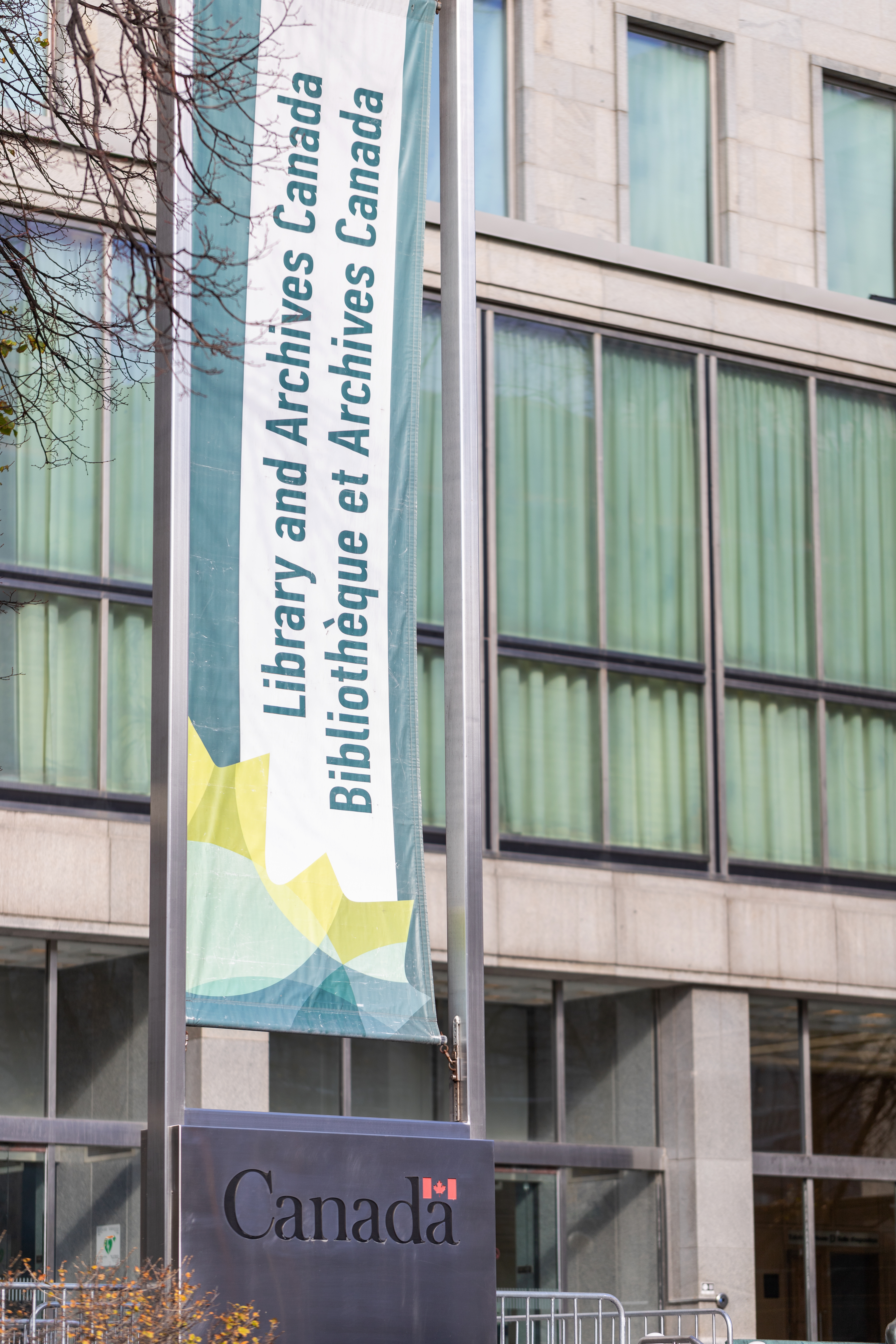
Library and Archives Canada building with bilingual banner.

By public transit

The Library and Archives Canada is easily accessible via OC Transpo bus routes. The nearest major station is Lyon Station (LRT) on the O-Train Line 1.

By car

Paid parking is available in nearby lots and underground garages.

Parking Options
Parking Lot Address Approx. Distance / Walk Time
Library & National Archives (Impark Lot #77) 395 Wellington St. On-site (west side of the building)
407 Queen St Parking (Hilton Garden Inn Garage) 407 Queen St. ~5 min walk
Place De Ville (Impark Lot #57) 320 Queen St. ~5 min walk
Gloucester Garage (City of Ottawa, Lot #3) 210 Gloucester St. ~12 min walk

By air

The closest airport is the Ottawa Macdonald–Cartier International Airport (YOW).